- Go to: https://www.standardprocess.com/
- At bottom of homepage go to “Enter Patient Direct Code”
- Review and Agree to Terms of Use, then Enter code UK33ZP
- After Code Verification, complete personal information fields with your name, shipping address, etc. Select “Next”
- Review and Agree to Terms and Privacy Policy, Select “Register”
- Cedar Wood will now receive notification of your entry and will approve your registration. We will approve registration applications as soon as possible as we receive them. There may be delays in approval if you are registering after hours or over the weekend.
- After approval from Cedar Wood, you will receive an email with a button to “Finalize Patient Direct Account”
- Create a username and password and establish your security questions. Select “Continue to Patient Direct”
- You are registered! You are now able to login and order supplements from Patient Direct.
- Happy Ordering!
Troubleshooting and Tips:
- At the end of the registration process, if you receive a “We’re Sorry” error message, you can select “return to home page”
- On Standard Process homepage in the top right corner, select “Login”
- Login with your username and password
- Happy Ordering!
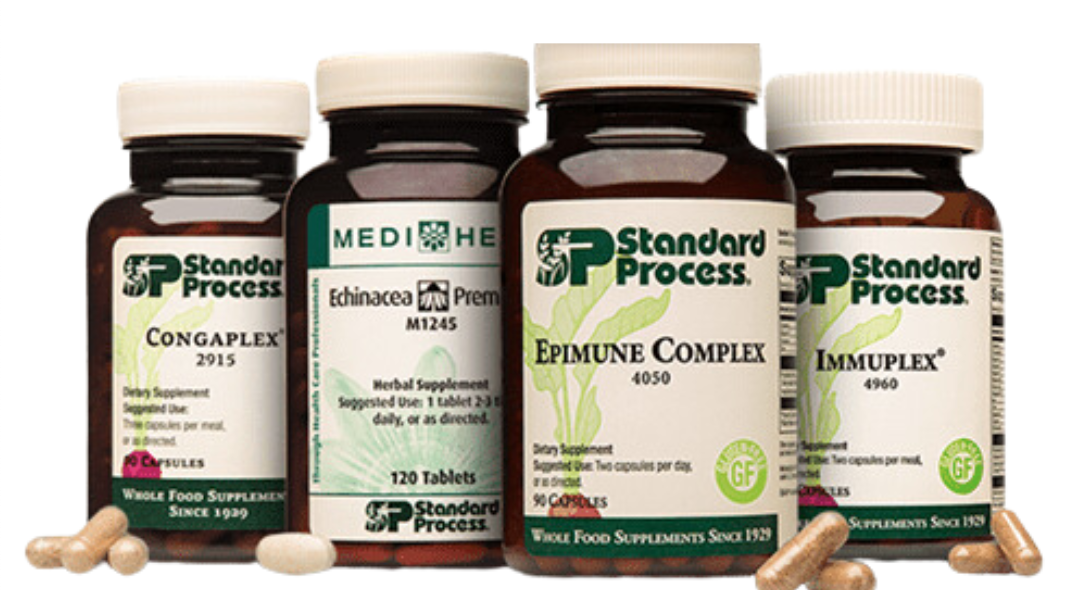
* Please note that supplement bottles are available in more than one size. Please ensure that you check the capsule or tablet amount when ordering. In most cases (depending on your supplement schedule and appointment timing) you will be selecting the smallest size bottle available.
* Please always feel free to reach out with any questions about Patient Direct ordering!
|