| 6. Try Calling From a Different Number I know… this one feels awkward. But it works. If you call someone from your normal number and it goes straight to voicemail… Then you call from a different number and it rings normally? Well… You’ve got your answer. No need to say who you are. Hang up right after it rings once. I’ve done this before. Did I feel weird? Yes. Did I get clarity? Also yes.
7. Check Your Message App Settings Sometimes the issue isn’t them. It’s your phone. Android’s messaging apps can glitch. Sometimes a setting gets toggled. Sometimes your app decides it doesn’t want to cooperate with the universe. Check for:
- Airplane mode accidentally turned on
- “Only send SMS” being enabled
- Chat features disabled
- Blocked numbers in your own settings
- App updates waiting
I once spent two hours thinking I’d been blocked. Turns out my phone had quietly shut off my mobile data because of a “data saver” setting I didn’t even know existed. Yeah. I felt pretty dumb.
8. Try Sending an SMS Instead of RCS If you're using Google’s Messages app, you may be sending RCS messages. They act like iMessage for Android. When someone blocks you:
- RCS messages may refuse to send
- They may get stuck on “Sending” forever
- Or they may fail outright
Switch to “Send as SMS.” If SMS goes through normally, but RCS doesn’t? That can be a hint.
9. Text From a Third-Party Messaging App Try messaging them on:
- WhatsApp
- Facebook Messenger
- Instagram
- Signal
If they reply there but not to your texts? Yeah… something is up. If you’re blocked on all platforms, that’s a different story. And honestly, a bigger one.
10. The Contact Disappears From Messaging Apps This one happens on WhatsApp especially. When someone blocks you there:
- You can’t see their “last seen”
- You can’t see their profile pic
- Your messages have a single checkmark, never two
Now, WhatsApp has nothing to do with Android phone blocking. But if it happens around the same time… it adds to the story.
11. Ask Someone Else I know this one feels uncomfortable. But sometimes you need a sanity check. Ask a friend: “Hey, can you call this number for me and see what happens?” If their call rings normally, and yours doesn’t? Well… that’s a huge clue.
12. Consider the Context Blocked numbers don’t happen randomly. Think back.
- Was there a disagreement?
- Did the person seem upset?
- Has communication been weird lately?
- Has there been tension?
- Did they ask for space?
Blocked numbers aren’t always about anger. Sometimes people just need a break. Or want distance. Or feel overwhelmed. But behavior usually makes sense when you look at context.
Conclusion So… how do you know if someone blocked your number on Android? You look at the signs. You piece together the clues. You trust your instincts. Blocked calls. No delivery reports. Weird voicemail behavior. Total silence. Combine those, and you can usually tell what’s going on. I won’t lie. It doesn’t feel great. Nobody likes being blocked. It feels personal—even when it’s not. But one thing I’ve learned (usually the hard way): If someone blocks you, it’s often less about you… and more about what they’re going through. Give them space. Give yourself grace. And remember—communication takes two people. Not one.
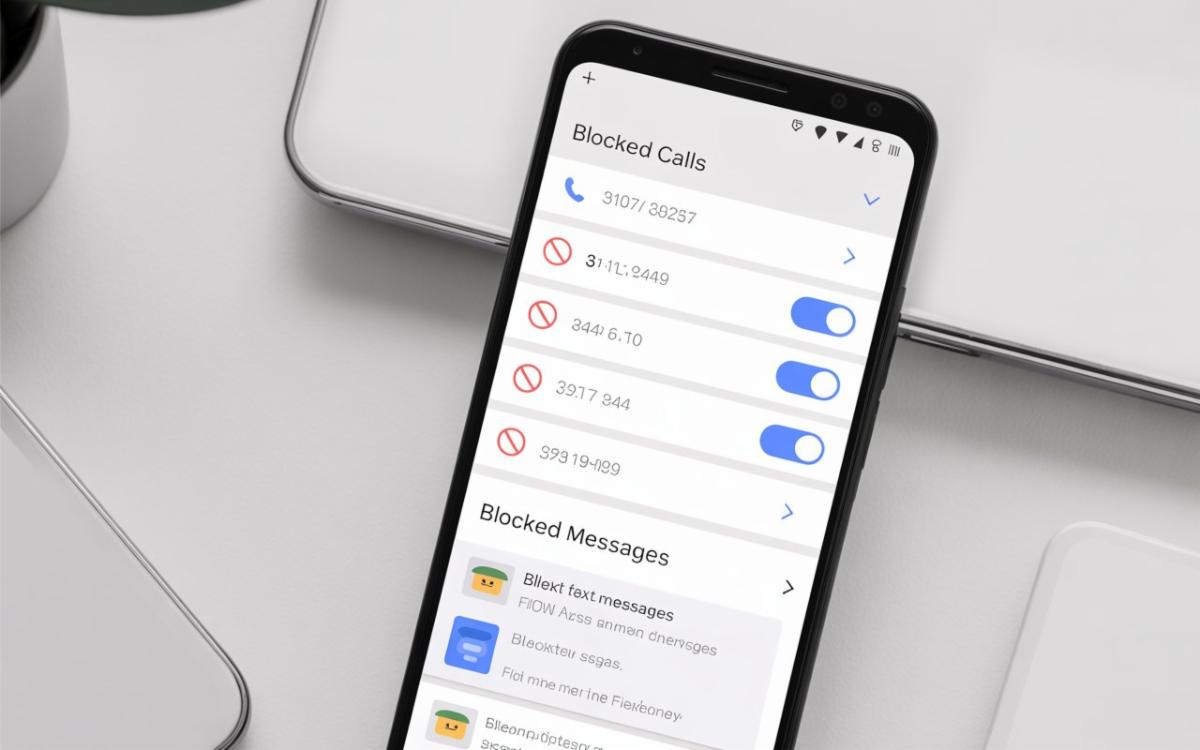
FAQs 1. Can I know for sure if someone blocked me on Android? No. Not with 100% certainty. But you can get very close by noticing the signs. 2. Will my texts show “Delivered” if I’m blocked? Usually no. They’ll just look… normal. But without confirmations. 3. Will the person get my voicemails if I’m blocked? They may not see them at all. Blocked voicemails often go to a “Blocked Messages” folder they never check. 4. Does blocking work the same on all Android phones? Pretty much, yes. But small details can vary depending on the phone model and carrier. 5. Can I still contact someone who blocked me using a third-party app? Yes—unless they blocked you on that app as well. 6. Should I use another number to check if I’m blocked? Only if you really need clarity. It works. But it can feel awkward, so think it through first. 7. Can someone unblock me without me knowing? Yes. If they unblock you, your calls and texts will work normally again. You won’t get a notification. 8. Does a single ring always mean I’m blocked? Not always. Their phone might be off or out of service. But if it happens every time, it’s a strong clue. 9. Can network problems look like I’m blocked? Absolutely. That’s why you should always rule out phone issues first. 10. Should I confront the person if I think I’m blocked? Only if you have a good relationship with them. Otherwise, give them space and let things cool down.
That’s it, friends. Thanks for sticking with me through this. I hope this helped clear up the mystery a bit. And hey… whatever’s going on, you’ll be okay. Sometimes a little distance just opens the door for something better. |