[[trackingImage]]

The time has finally come! The access and camera systems at the Mary Lou Aquatic Center and Ira A. Fulton Aquatic Center have been upgraded to a new Verkada access system.


As part of this update, the Board has approved up to four mobile access points per household, with additional access points available upon request. A mobile access point is a digital credential in the Verkada Pass app that allows a mobile device to open the community amenities.


This page will serve as your go-to resource for instructions, updates, and support moving forward.

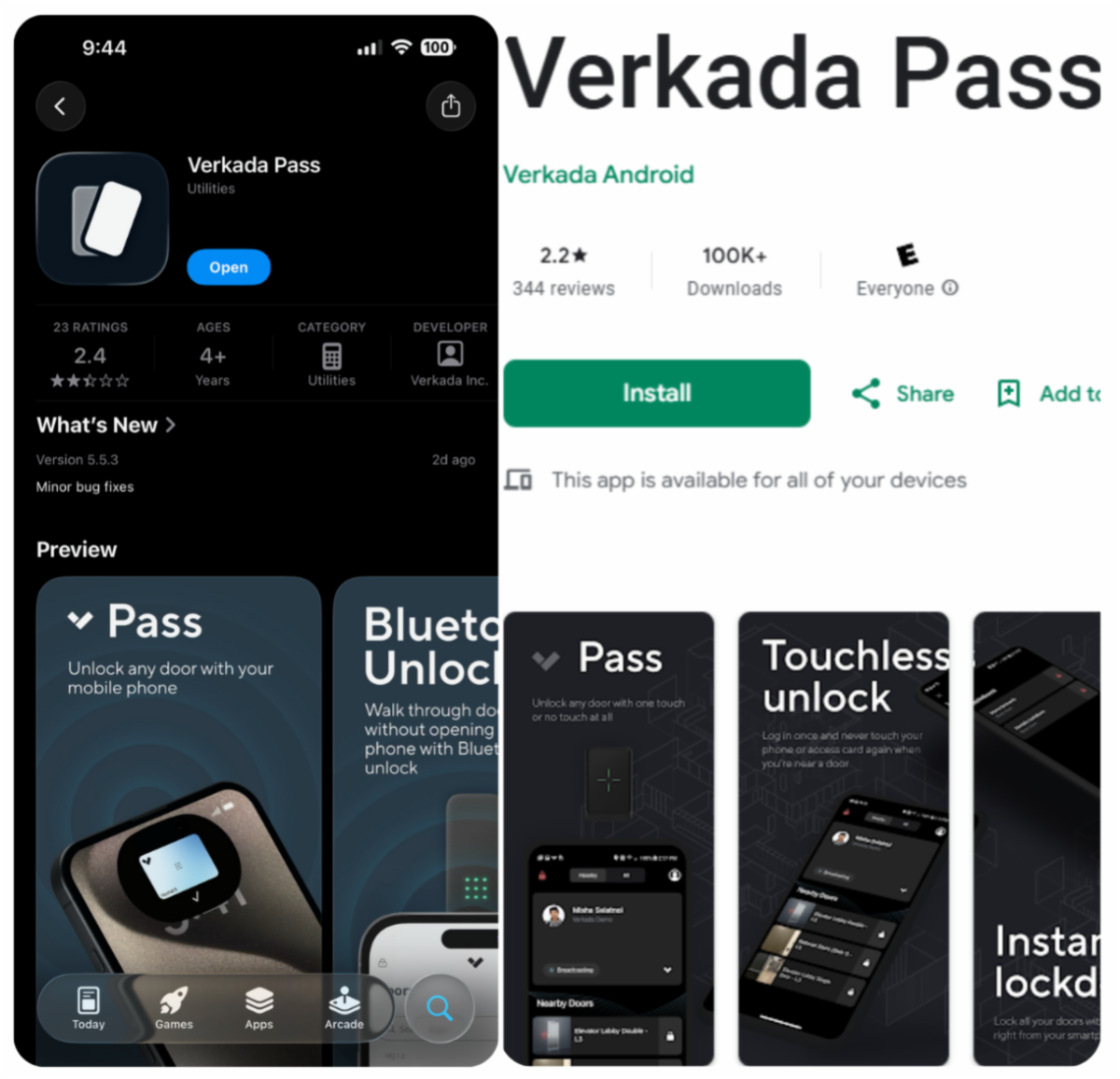
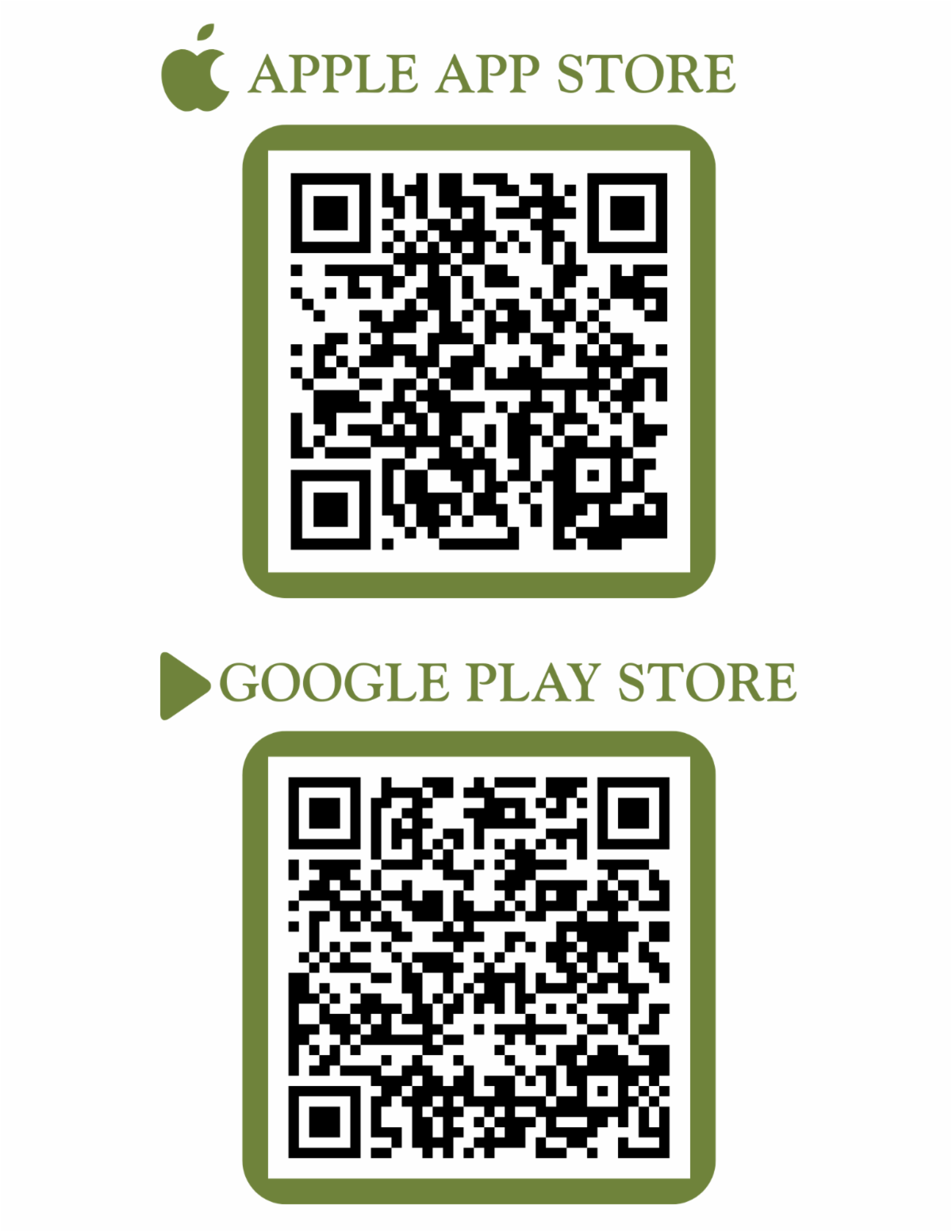
HOW TO INSTALL THE MOBILE APP

Organization Short Name: ironwood-hoa

How You’ll Access Amenities


Mobile App

  • Each mobile access point is assigned to one device. Households may use up to four devices for amenity access. Additional access points may be requested. Amenity access points are only for residents that reside in the house.
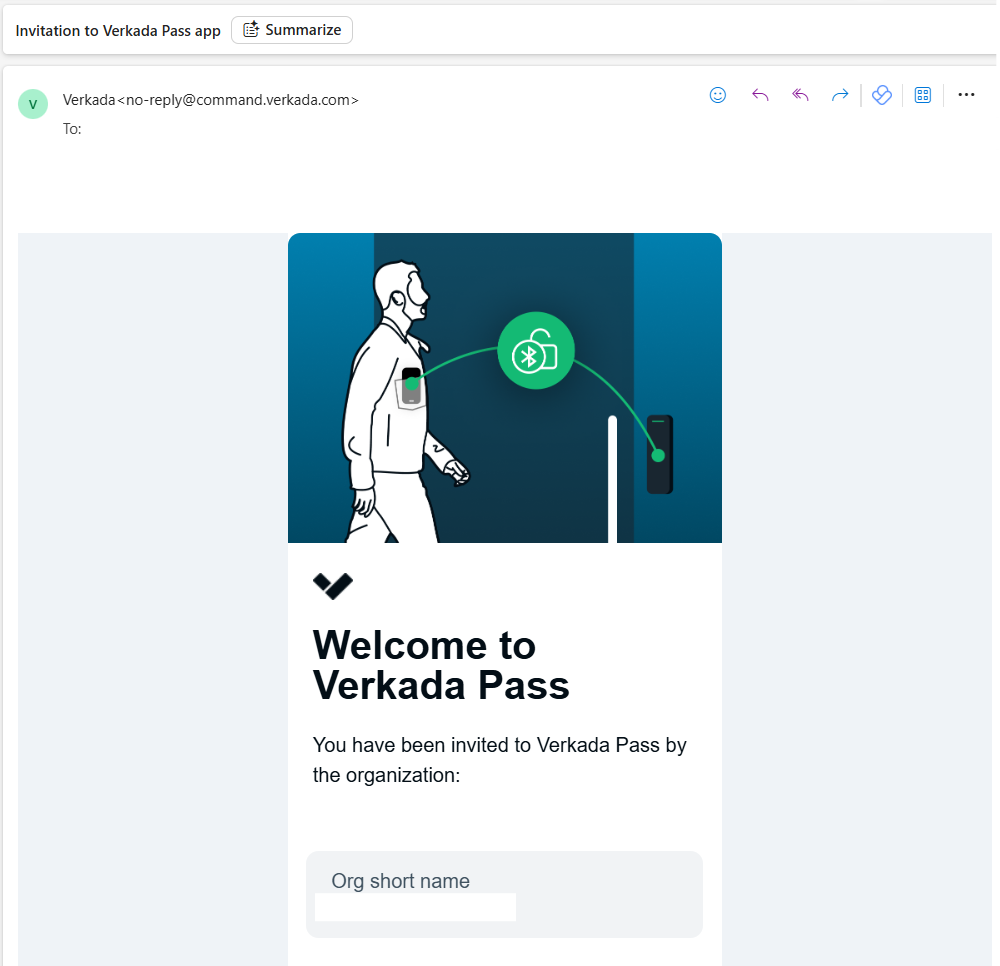
  • Owners should have already received an email from Verkada, sent to the primary email listed on their homeowner account (this is the same email used for community voting), with instructions on how to download and set up the Verkada Pass mobile app. Open the link from the device that you will use for access. If your primary email account hasn't received the email, please check your junk or spam folder.
  • Sharing your personalized invitation with another email address will deactivate your access.
  • Internet access is required while downloading the app, setup is simple. Once, it is installed, Bluetooth must be on your device when accessing the doors.
  • Motion sensors will allow doors to unlock automatically when you use your phone in front of the reader.
  • When using the mobile app to access the amenities, please keep the app running in the background. Logging out or fully closing the app will prevent you from gaining access to the amenity.
  • If you need additional access points beyond the first one already issued or did not receive an email at all by 5 p.m. on Friday, November 21, click the button below to submit your request for yourself and/or additional users. Each additional user must have a unique e-mail address.
  • Once additional users are set up, they will receive an invitation from Verkada to join. Please allow 48 business hours for additional users to be set-up.

Key Fob (Case-by-Case Basis)

  • Any residents requesting fobs for a special circumstance, must complete the request form below to be considered. Fob approvals are on case-by-case basis.
  • Fobs for purchase are $15 each, with a limit of two per household.
  • Please note that approval for a key fob purchase will remove all mobile access points from your household account. Households cannot maintain both mobile access and fob credentials at the same time.
  • Payment for fobs must be done by cashier's check, money order, or personal check to Ironwood Crossing HOA.
  • Payments and pick-up of key fobs can be done in the Ironwood Room at the Ira A Fulton Aquatic Center during on-site office hours.
  • Lost or stolen fobs may be replaced for $50 and the missing fob will be disabled.
  • Currently, we are waiting on the delivery of key fobs, please do not pay or come to pick up key fobs until you have approval and have been asked to pick up your key fobs.

Important Notes


  • An invitation from Verkada will be sent to the primary email listed on their homeowner account (this is the same email used for community voting), with instructions on how to download and set up the Verkada Pass mobile app.
  • Sharing your personalized invitation with another email address will deactivate your access.
  • Blue access fobs will no longer work and do not need to be returned to the office once the system goes live.
  • This page will also be updated regularly with tips, troubleshooting, and reopening notifications.

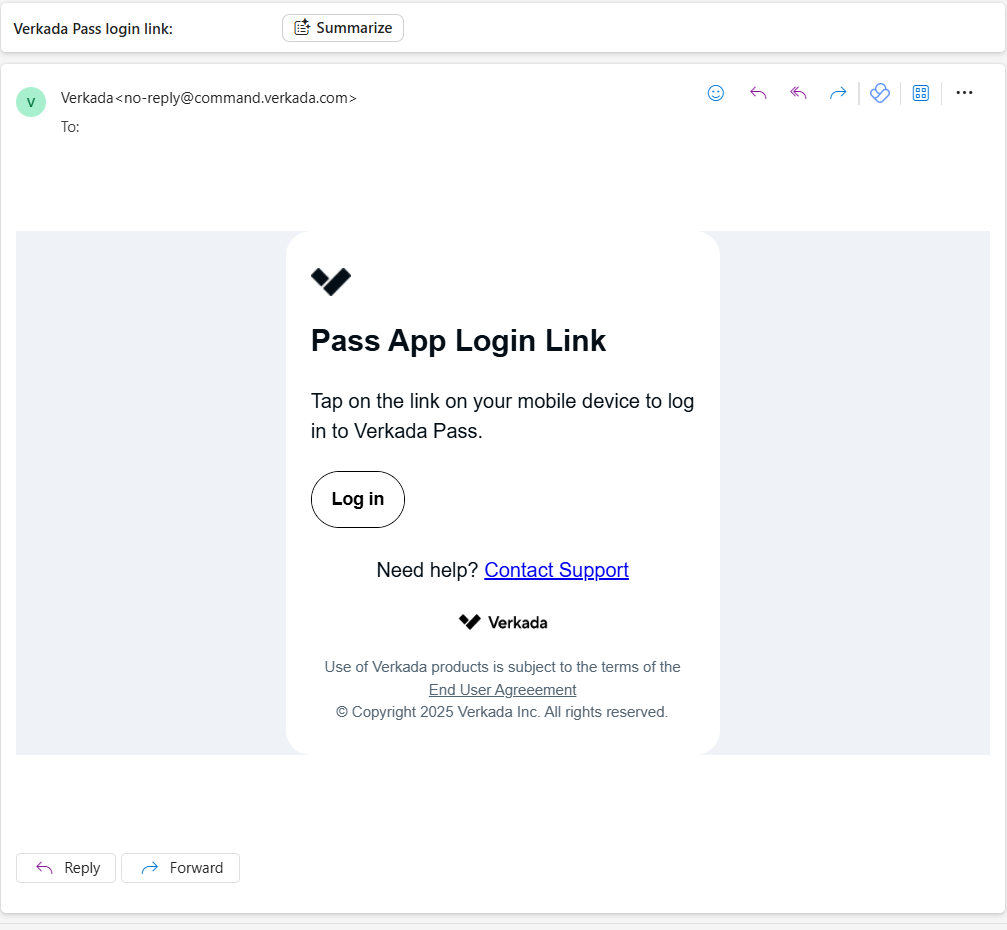
EMAIL NOTIFICATION EXAMPLE (FIRST EMAIL)

EMAIL NOTIFICATION EXAMPLE (SECOND EMAIL)

Tenant Information


If your property is leased, please ensure it is registered as a rental by submitting an updated Rental Property Registration Form. Tenants will not be able to obtain their access device(s) until the form has been received by Management. Each tenant is eligible to receive similar access as indicated above.

Need Help?


  • HOA staff are available during normal office hours to assist with mobile app setup or key fob questions by phone at 480-908-7557 or email at ironwoodcrossing@ccmcnet.com.
  • Please do not call emergency lines for access issues as they cannot assist.
  • For setup assistance, email the HOA office or visit during business hours.

On-Site Office

Ira A. Fulton Aquatic Center, Ironwood Room

41680 N. Barnes Parkway,

Queen Creek, AZ 85140

Office Hours: 8 a.m. - 5 p.m.

480-908-7557

ironwoodcrossing@ccmcnet.com


Team Members

Amanda Ladd, Community Manager

Daphne Morrill, Assistant Community Manager

Blythe Wayas, Lifestyle Director

CCMC Corporate Office 

8630 E. Via De Ventura, Suite L-100

Scottsdale, AZ 85258

480-921-7500


After Hours Emergency

1-800-274-3165